




The Engineering Behind YouTube Image CDN Distribution & Thumbnail Optimization
An architectural breakdown of Google Global Cache edge servers, YouTube thumbnail resolution hierarchies, JPEG/WebP format conversions, and fair use guidelines.

When a video is uploaded to YouTube, Google's media transcoding pipeline immediately captures and generates a deterministic set of standardized static image assets. These thumbnails are distributed across Google Global Cache (GGC) edge point-of-presence (PoP) servers worldwide, accessible via predictable URI conventions under the img.youtube.com and i.ytimg.com domains. Understanding how these servers operate enables developers, creators, and digital marketers to access master graphics without relying on third-party scrapers or fragile browser extensions.
1. YouTube CDN Image Resolution Hierarchy
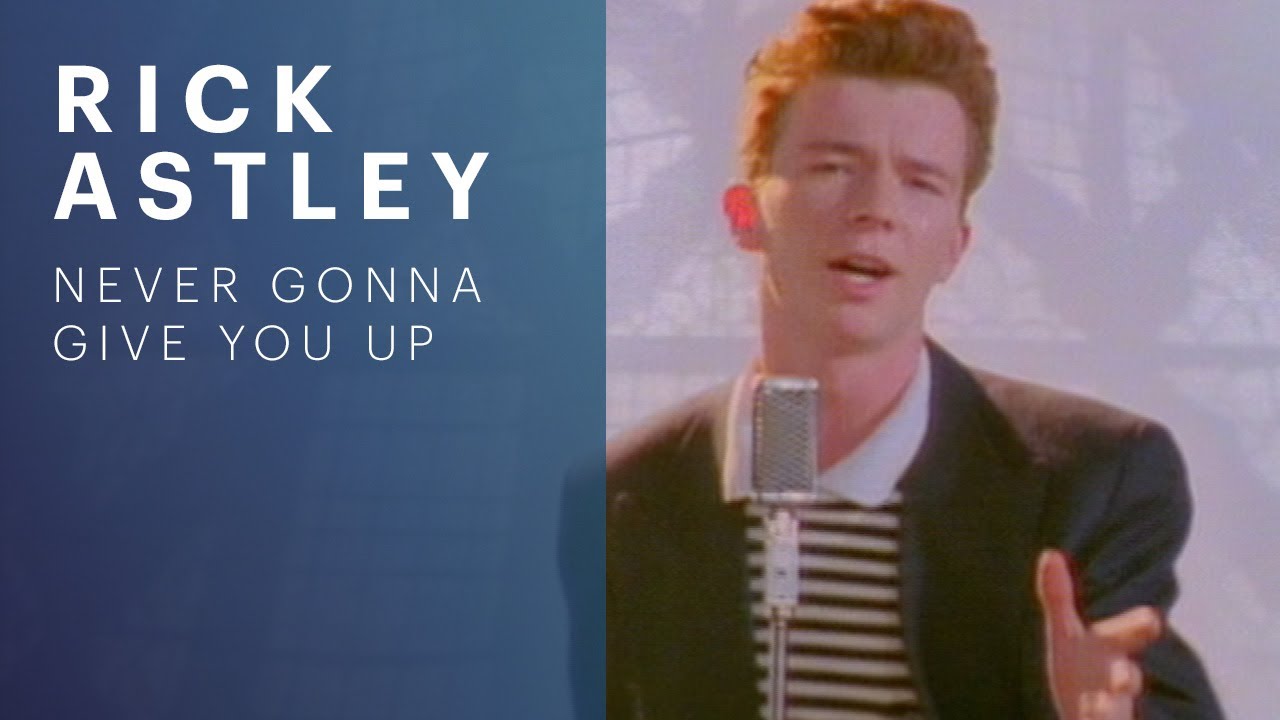
Every video uploaded to YouTube receives an 11-character alphanumeric identifier (e.g., dQw4w9WgXcQ). Appending this identifier to Google's public image endpoint allows direct querying of all pre-rendered image resolutions:
| Resolution File Name | Pixel Dimensions | Aspect Ratio | Availability & Primary Use Case |
|---|---|---|---|
maxresdefault.jpg |
1920 × 1080 px | 16:9 (Full HD) | Generated if creator uploads 720p+ master; ideal for 4K TV apps |
sddefault.jpg |
640 × 480 px | 4:3 (SD) | Standard definition thumbnail with black letterboxing |
hqdefault.jpg |
480 × 360 px | 4:3 (HQ) | 100% universal guarantee on every YouTube video |
mqdefault.jpg |
320 × 180 px | 16:9 (MQ) | Mobile feed previews and responsive video list items |
default.jpg |
120 × 90 px | 4:3 (Mini) | Compact search results on low-bandwidth legacy mobile connections |
2. Why MaxResDefault Sometimes Returns 404 (And How We Handle It)
Creators occasionally ask why maxresdefault.jpg may return a 404 HTTP status or an empty 120×90 pixel placeholder on older or lower-resolution videos. YouTube only synthesizes the 1920×1080 max-resolution asset if the source video was uploaded in at least 720p (1280×720) or if a custom high-resolution thumbnail was explicitly submitted via YouTube Studio. When maxresdefault is missing, our client-side extractor automatically provides the guaranteed hqdefault.jpg and mqdefault.jpg alternatives, ensuring you never face broken downloads.
3. Legality, Fair Use & Intellectual Property Considerations
YouTube thumbnails are public promotional materials designed to maximize video visibility. Downloading thumbnails for design reference, competitive benchmarking, fair-use editorial critique, or client reporting is legally recognized in most jurisdictions. However, re-uploading someone else's copyrighted thumbnail directly to your own commercial YouTube video without permission constitutes copyright infringement under the Digital Millennium Copyright Act (DMCA).
4. Frequently Asked Questions (FAQ)
Yes! YouTube Shorts use the identical 11-character video ID system. Simply paste the full Shorts URL (e.g. https://www.youtube.com/shorts/VIDEO_ID) into our input box to access the high-resolution cover art.
Our tool executes entirely in your local browser using modern HTML5 Blob and Fetch APIs, streaming the image asset directly to your local file system with zero intermediary tracking or server logging.
No. Our extractor fetches the exact binary file stored on YouTube's primary img.youtube.com CDN without re-encoding, ensuring 100% of the original color profile and compression quality are preserved.